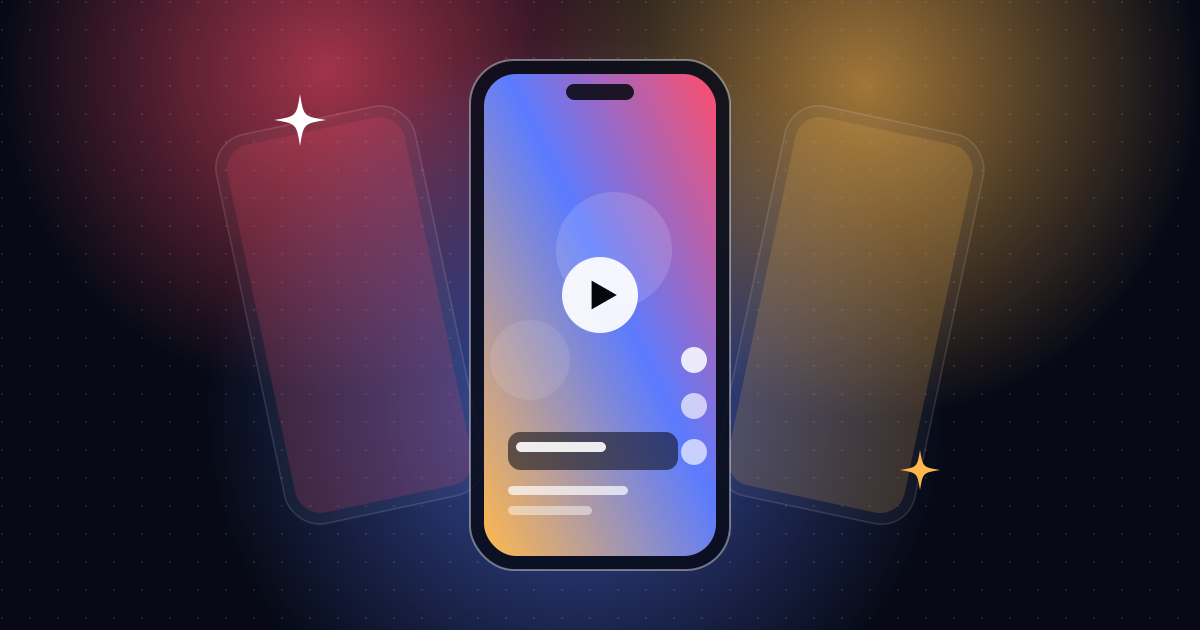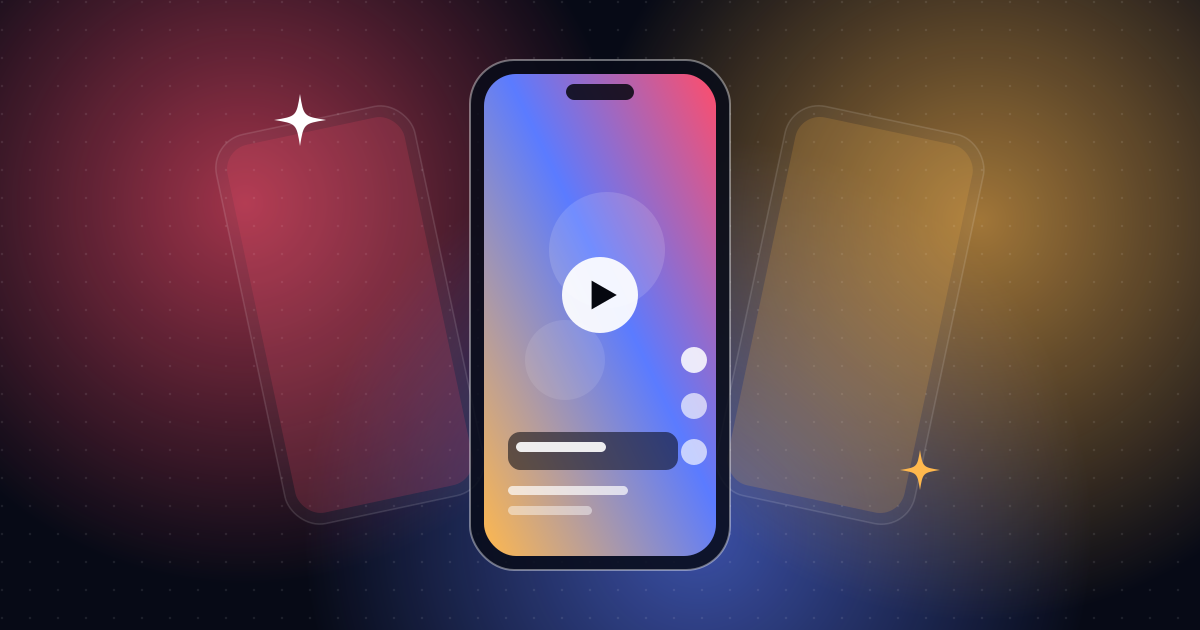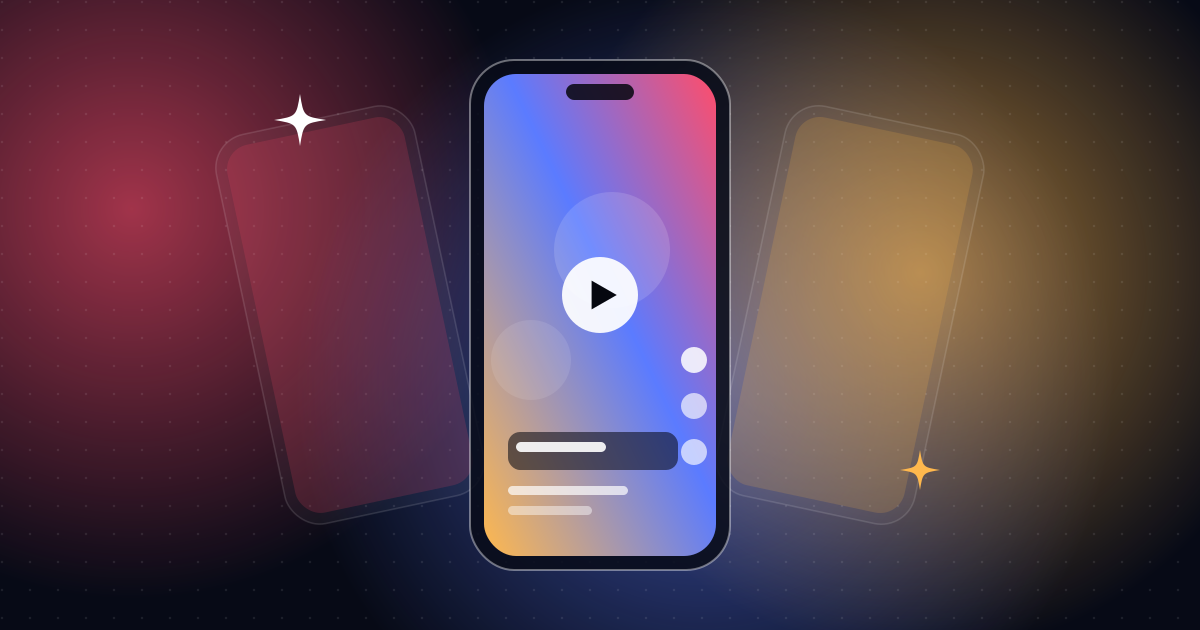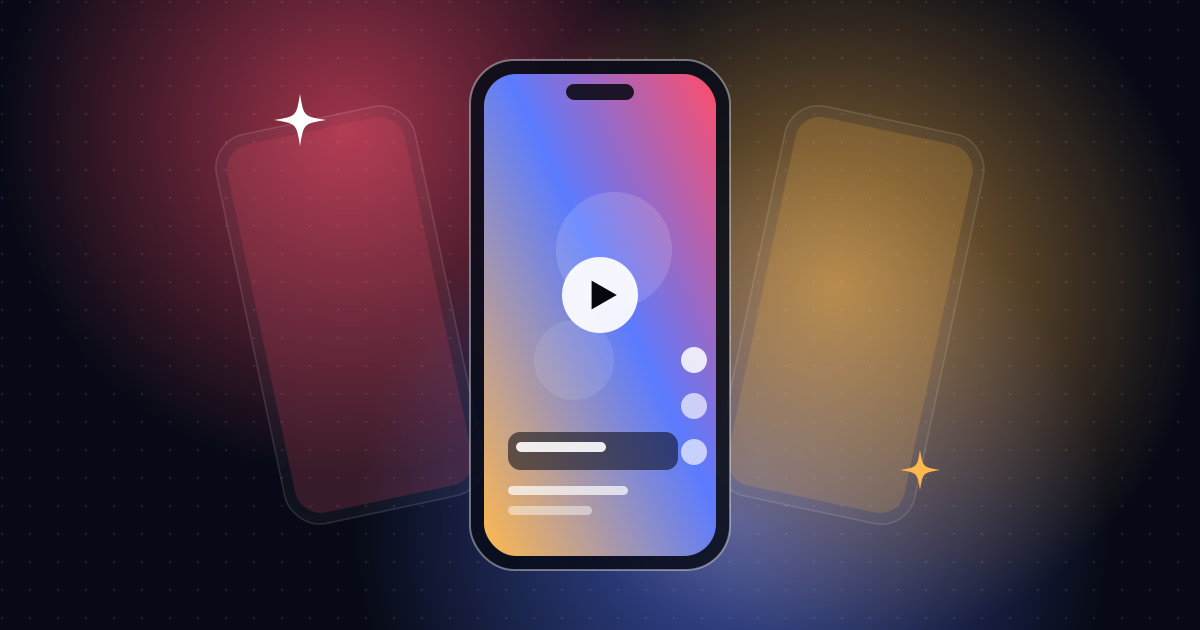
Safe zones keep text and logos clear of buttons and captions that the app adds on top. Keep key content in the central area, leave margins and test in the real app.
Social apps add buttons, usernames and captions over your video. If your text sits underneath them, viewers can't read it.
Where the interface appears
Roughly:
- Top: search, tabs or status elements
- Right edge: like, comment and share buttons
- Bottom: the caption, username and music info
Exact positions differ by app and change with updates.
A safe approach
- Keep important text in the central area, with generous margins on all sides.
- Leave the bottom clear for the app's caption text.
- Leave the right edge clear of key words.
- Place logos with space around them, not hard against an edge.
Test it
- Upload a private or draft version and check on a real phone.
- Check on more than one app if you post to several.
- Check on small and large phones.
Build with guides
Editors use guide overlays in the project to mark safe areas. They are removed before export.
Design for the crop
Some platforms show a cropped preview in the feed or on a profile grid. Keep the main subject centered so it survives the crop.
Captions and safe zones
Captions are the most common victims. Read captions for short-form video.
Aspect ratios
Make sure you export at the right size. See video aspect ratios explained.
Want it done right?
I work with safe areas on every vertical edit. See short-form video editing.
A margin rule of thumb
When you design, leave generous space around the edges. Many editors keep important text well inside the frame, with extra room at the bottom for the app's captions and buttons. Treat any rule as a starting point and check it in the app.
A testing routine
- Export a draft at the final size.
- Upload it as a private or unlisted post.
- View it on a phone, in the feed and in full screen.
- Note anything covered by buttons or text.
- Adjust and re-export.
Common mistakes to avoid
- Placing a call to action at the bottom, under the caption
- Putting names or prices at the right edge
- Testing only on a desktop preview
Frequently asked questions
Are safe zones the same on every app?
No. They differ and change. Check each platform.
Do safe zones apply to ads?
Yes, and ad placements may add more interface elements, such as buttons and labels.
Can I reuse one layout everywhere?
A conservative layout with wide margins usually works across apps.
Can you handle this for me?
Yes. See short-form video editing.

Bhavesh Vaghela
Freelance video editor and motion designer in Rajkot, India. I make short-form videos, motion graphics, SaaS explainers, logo animations and AI video for clients worldwide.