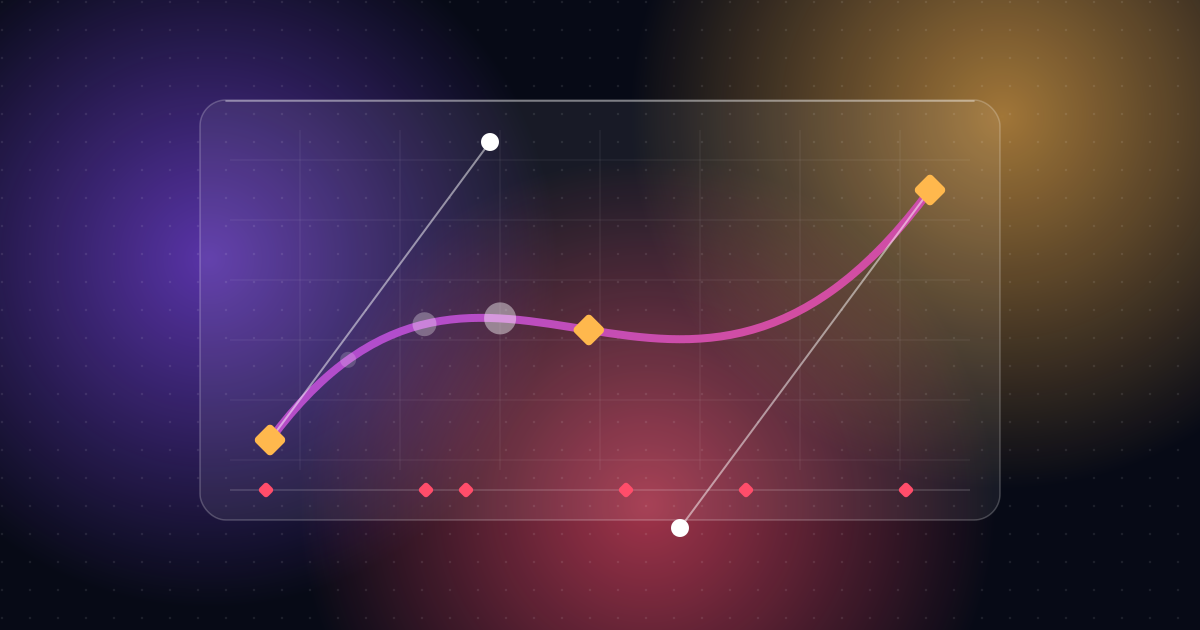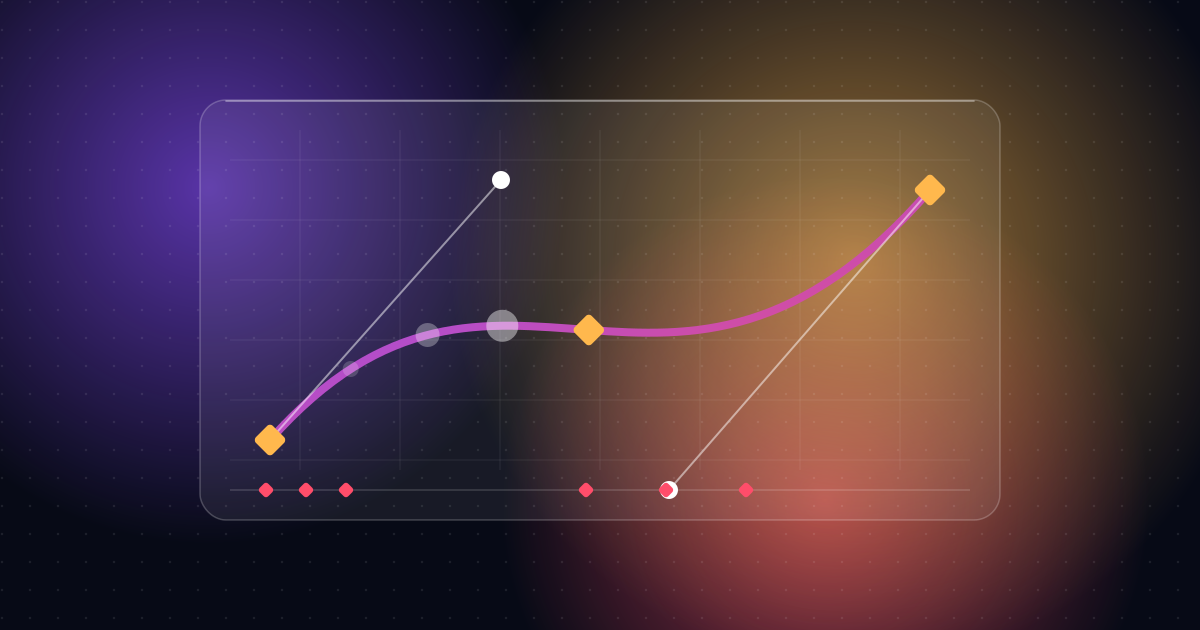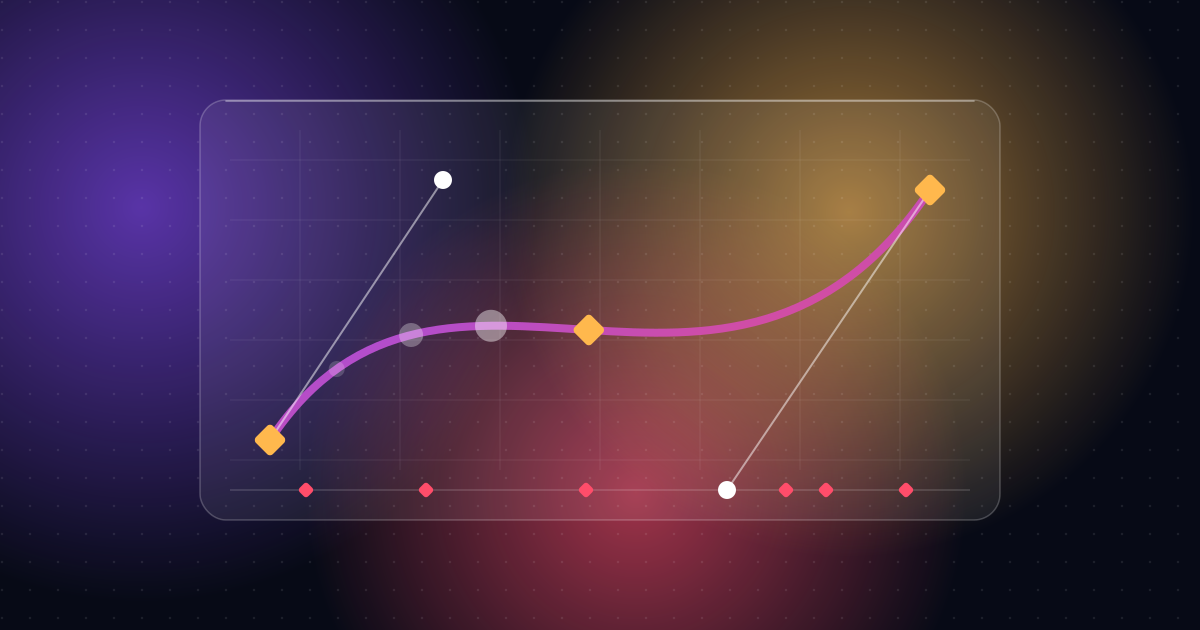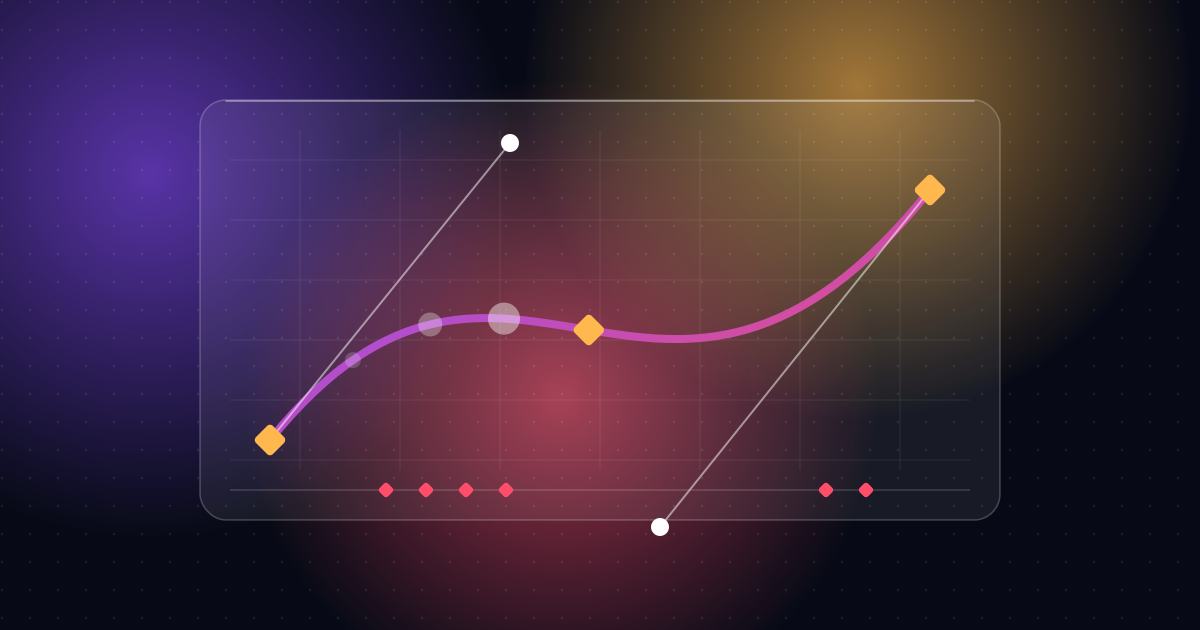
Motion graphics are animated text, shapes, icons and illustrations. They explain ideas, show data and make brands feel alive, and they often work without any live-action footage.
Motion graphics means graphic design that moves. Think animated logos, moving text, icons that pop onto screen and charts that draw themselves.
What motion graphics are used for
- Explainer videos that show how a product or idea works
- App and software promos where interface elements animate
- Social media videos with animated captions and graphics
- Titles and lower thirds in longer videos
- Data stories where charts and numbers move
- Logo animations and brand intros
How they differ from live action
Live action is filmed with a camera. Motion graphics are built on a computer from designed elements. That means you can show things that can't be filmed, such as software, abstract ideas or data, and you can control every detail.
What goes into it
- Idea and script. What is the message?
- Design. Colors, type and shapes that match the brand.
- Animation. Movement, timing and easing.
- Sound. Voice-over, music and effects.
Common tools
After Effects is the industry standard for motion graphics. Designers often prepare artwork in Illustrator or Figma and finish edits in Premiere Pro.
When to choose motion graphics
Choose them when your subject is abstract or digital, when you need a consistent brand look, or when you can't film what you want to show.
See examples
My portfolio includes SaaS explainers, app animations and data videos. Start with the Browserbase explainer or the Krater AI animation, or read about my motion graphics service.
A quick look at the main styles
- Flat 2D. Clean shapes and icons. Popular for software and services.
- Kinetic type. Text as the star. See kinetic typography explained.
- Infographic and data. Charts and numbers that build step by step.
- Collage and textured. Cut-out and paper looks for editorial stories.
- 3D-looking. Depth, light and camera moves, for premium or product shots.
How to brief motion graphics
- Say what the video is for.
- Share the script or key points.
- Send brand colors, fonts and logo.
- Share two or three videos you like.
- Tell the designer where it will be shown.
Common mistakes to avoid
- Treating motion graphics as decoration instead of explanation
- Using too many effects
- Letting text move too fast to read
Frequently asked questions
Is motion graphics the same as animation?
Close but not identical. See motion graphics vs animation.
Do motion graphics need footage?
No. Many are built entirely from design elements. Others combine them with footage.
How much does a motion graphics video cost?
It depends on length, complexity and revisions. Ask for a fixed quote with the scope listed.
Can you make motion graphics for my brand?
Yes. See the motion graphics service.

Bhavesh Vaghela
Freelance video editor and motion designer in Rajkot, India. I make short-form videos, motion graphics, SaaS explainers, logo animations and AI video for clients worldwide.